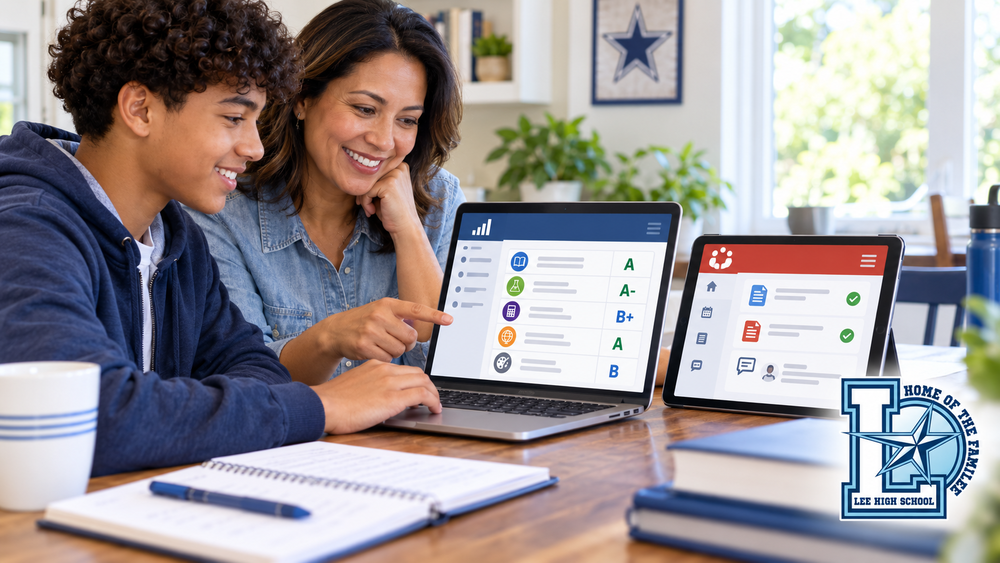
PowerSchool and Canvas both help families monitor student progress, but they serve different purposes. Knowing what information to look for in each system can help families identify missing work, understand a low grade, and contact the right person before a small problem becomes more difficult to correct.
The most important distinction is simple: PowerSchool is the official gradebook. Canvas shows the learning and work behind the grade.
Use PowerSchool to Check Official Grades
PowerSchool shows the student’s official course grades and attendance record. This is where families should look when they want to know the student’s current grade in a class.
Families can use PowerSchool to:
Check the official grade for each course
Review individual assignment grades entered by the teacher
Identify missing or low-scoring assignments
Monitor attendance and tardiness
Follow changes in the student’s overall academic progress
Grades in PowerSchool may not change immediately after a student submits an assignment. Teachers need time to review, score, and enter work. However, if a grade or assignment appears incorrect, the student should speak with the classroom teacher.
Use Canvas to See Assignments and Feedback
Canvas is Lee High School’s learning management system. Teachers may use it to post assignments, course materials, announcements, instructions, and feedback.
Canvas can help families see:
Assignments given by the teacher
Due dates and submission status
Work submitted by the student
Teacher comments or feedback, when provided
Course resources and instructional materials
A Canvas submission confirms that a file or response was turned in, but it does not necessarily mean that the assignment was complete, correct, or submitted on time. Families should review the actual submission and any teacher feedback instead of looking only for the word “submitted.”
Canvas may display grades, but PowerSchool remains the official source for the student’s course grade.
Why Families Should Check Both
Each system provides only part of the picture.
For example, PowerSchool may show a missing assignment or low score. Canvas can then help the family determine whether the student submitted the assignment, what the directions required, and whether the teacher provided feedback.
Canvas may show that work was submitted, while PowerSchool shows that the student earned a low score. Reviewing the submitted work and feedback can help explain why. The assignment may have been incomplete, inaccurate, late, or missing required evidence.
Checking both systems at least once each week gives families a clearer understanding of the student’s progress.
How Guardians Can Access Canvas
Guardians can create a free Canvas observer account and connect it to their student.
Visit the
.
Create a free parent or observer account.
Ask the student to log in to Canvas through Clever.
In the student’s Canvas account, select
Account
and then
Settings
.
Select
Pair with Observer
on the right side of the page.
Enter the generated pairing code while completing the guardian account registration.
Pairing codes are temporary, so the registration should be completed soon after the student generates the code. Families may use the school’s “Adding Parents to Canvas” guide for additional assistance.
What to Do When You Find a Problem
When a family notices a missing assignment, low score, or difference between Canvas and PowerSchool, the student should contact the classroom teacher first. The teacher can explain the assignment requirements, submission status, feedback, and grade.
Students should be prepared to ask a specific question, such as:
“Canvas shows that I submitted this assignment, but PowerSchool lists it as missing. Can you help me check it?”
“I received a low score. What part of the assignment do I need to improve?”
“Where can I find the directions or feedback in Canvas?”
Regularly checking both PowerSchool and Canvas helps students take responsibility for their learning and gives families the information they need to provide support. PowerSchool shows the official result. Canvas helps explain how the student got there.